FieldNest puts an electrical contractor's paperwork, crew, material, drawings and safety in a single app, so the crew in the field stops hunting for them through multiple emails, devices and applications.
The home screen is the app. A service electrician opens Service; a foreman opens their crew and the pre-task plan; the safety team opens an alert that is already ringing. Everyone arranges their own screen and puts away what they do not use, tiles and buttons alike — and the drawer that holds what they put away never moves, so nothing they put away is ever lost.
A company sets which tiles it uses, and which rungs of the ladder see each one, once in the portal.
 Service
 Time
Time Documents
 Safety
 Prints
 Material
 Red Flags
 Foreman's Crew
 Calendar


 FIELDNEST™
The company's own paperwork — pre-task plans, permits, time-and-material vouchers — filled in on the phone, signed by typing or drawing, and sent back out in the format it arrived in.
One tap through to whatever the company already uses for hours. FieldNest does not try to replace it.
Who is on this job today, who reports to whom, and what each of them is signed off to do.
What was used and what is needed, ordered from where the work is instead of from the office.
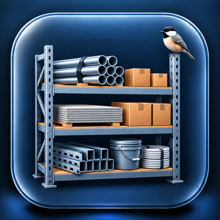
The company's surplus shelf. Extra or wrong material goes on the shelf with a photo, a pin and its own number; the next job that needs it takes it, and the job that bought it is credited. Nothing goes to waste. Just perch it.
The drawing set for the job, marked up on the phone and sent back as a file anyone can open.
Something is wrong on site. One message, with the photographs and the marked print attached, to the person who can act.
Safety reps, certifications, PPE, and an emergency alert that reaches everyone on the safety team at once.
The site plan over a map, with live pins. Pin a thing where you stand and the pin goes to whoever is looking. Show where you are to the people you pick, for as long as you say, with a clear Stop.
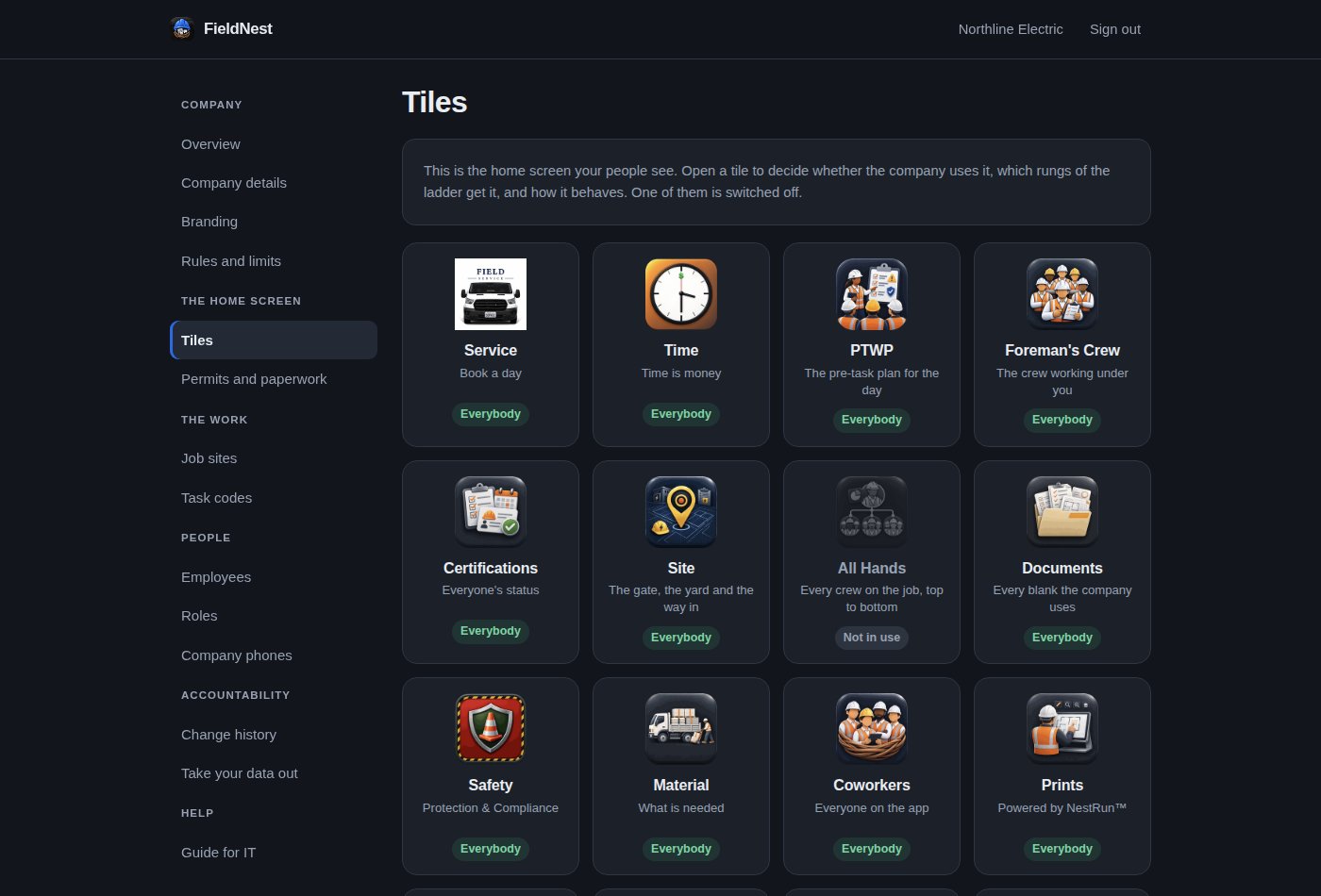
An administrator signs in on any computer with the same company code and employee number they use on the phone — one account, two places, so nobody keeps a second password.
Your details and colors, your own names for each role, who is on the books, which tiles and buttons each rung of the ladder sees, one phone to one person when IT wants it, and a Monitoring page that says plainly what is watched and what is not.
A change history of every change anyone has made — including anything FieldNest itself has done. And a sandbox anybody can try before a word is signed.
FieldNest was written by a working service foreman, around the documents contractors actually use. It is not a general-purpose field service app with an electrical skin on it.
Every company gets its own walled-off instance. One contractor can never see another contractor's jobs, people or paperwork — that is enforced by the database itself, not by remembering to write the right query.
FieldNest is licensed per company. Pricing depends on how many people carry it and what has to be connected to your existing systems, so it is a conversation rather than a checkout button.
Ask below and somebody will be in touch. Nothing is set up, and there is nothing to cancel.